
Kids Space · Muslim Guard
Their space to learn, discover and grow.
Listen to a surah. Recognise a letter. Choose a story. Answer a quiz. Watch a video. It all starts in the same place.
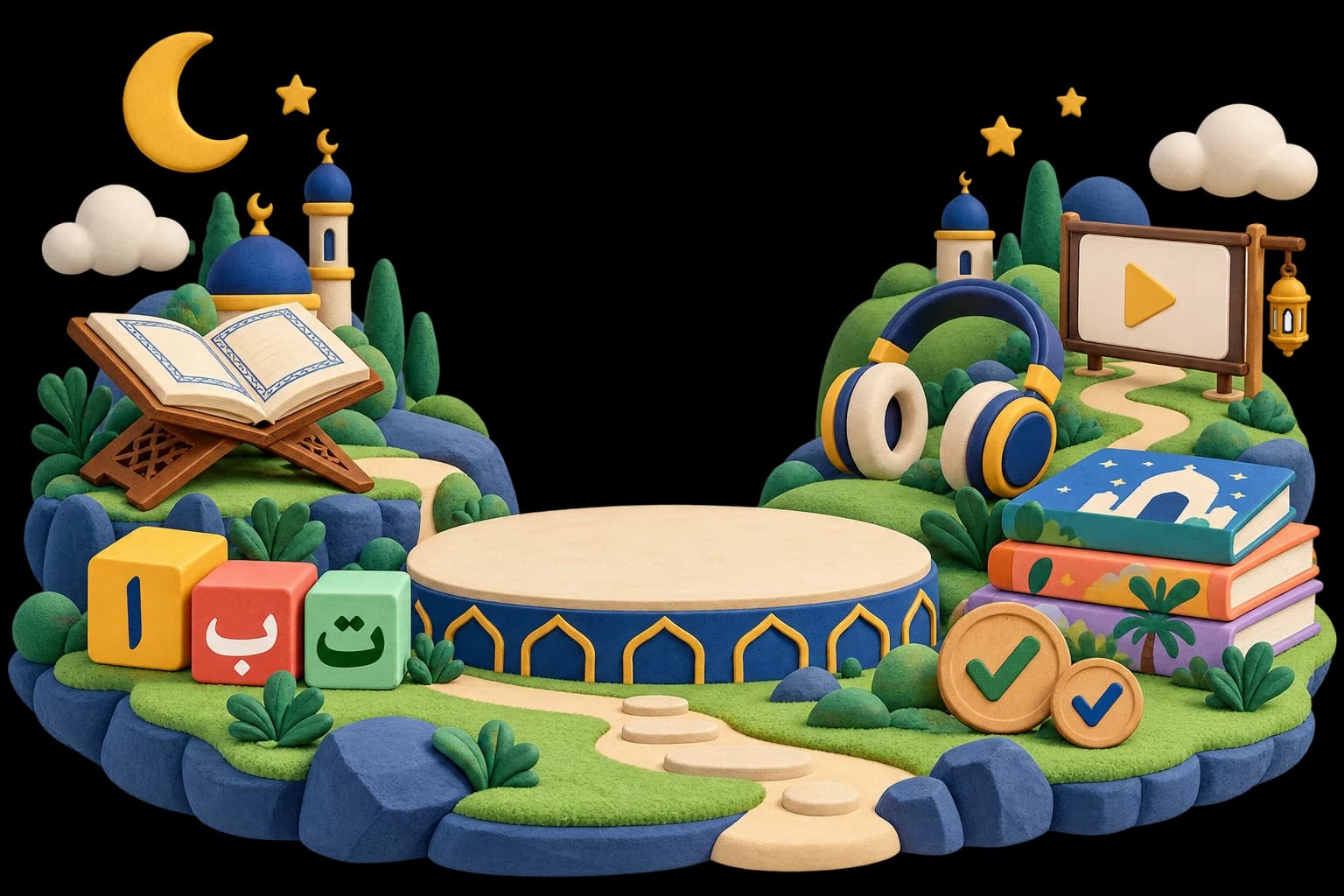
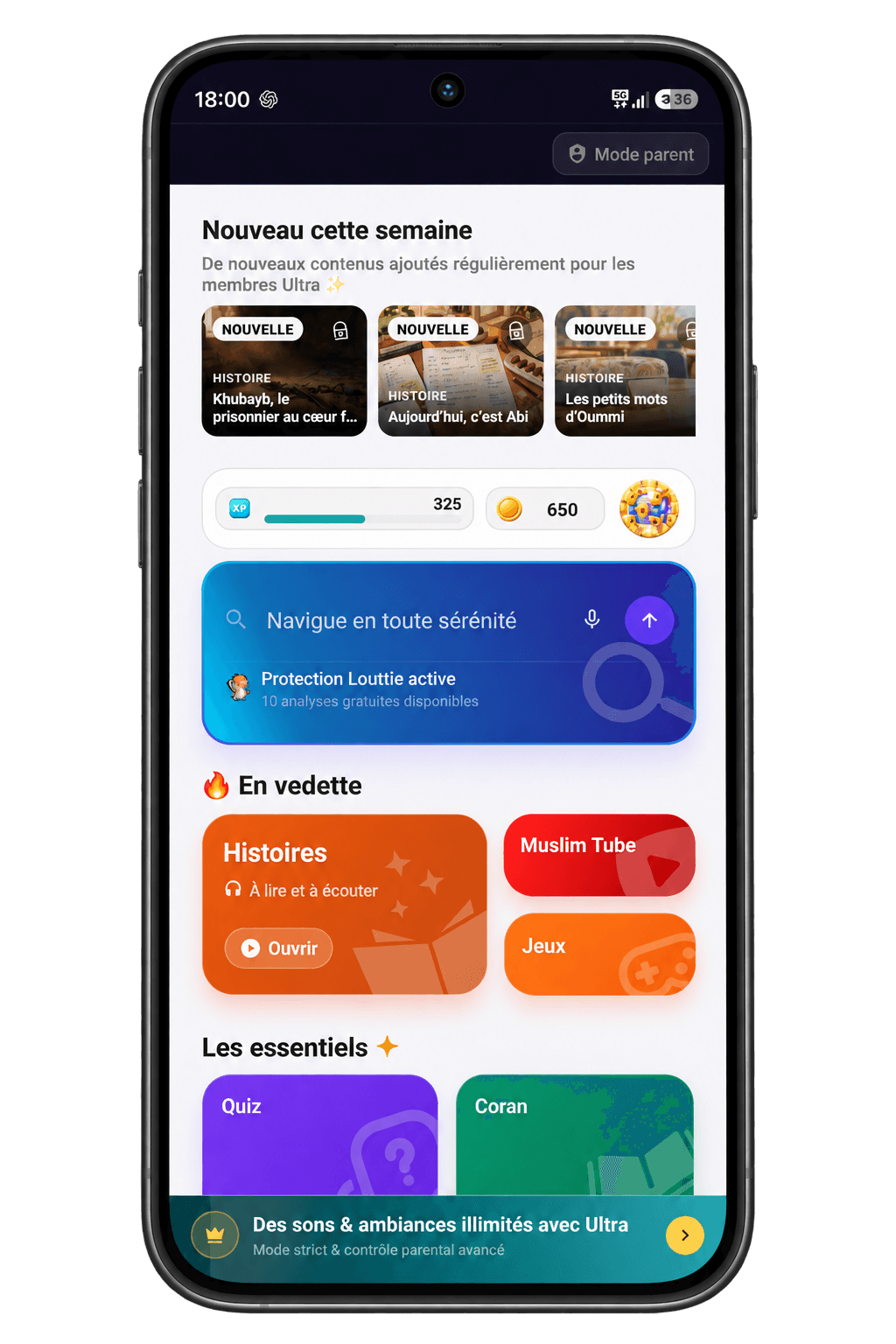
One space · many worlds
Every interest opens a new door.
01 — Listen and read
The Qur'an, word by word.
Choose a reciter, play a surah, follow the current word and repeat it. Translation, tafsir, bookmarks and night mode stay close at hand.
Bismillāh ar-Raḥmān ar-Raḥīm: In the name of Allah, the Most Compassionate, the Most Merciful.
02 — See, listen, write
Learn Arabic
Children see the letter, hear it, recognise its different forms and learn how it connects. Each step prepares the next.
An Arabic letter is presented, pronounced, then shown in its four forms.
Sound: a
Isolated · initial · medial · final
03 — Read and listen
A library that can tell the story too.
Discover stories grounded in the Quran and Sunnah, according to the understanding of the righteous predecessors. Browse real covers, choose a story, start reading and switch to audio whenever narration is available.
 Audio playback
After Uhud, a Growing Threat
04 — Answer and try again
One question. One answer. Try again.
Classic quiz, timed mode, duel or parent versus child: the modes change, but the action stays simple. Try, understand and progress.
Is the order of feet important during ablution?
—
05 — Watch
Video stays inside their space.
MuslimTube provides a dedicated library inside Muslim Guard. Children choose from an organised catalogue without moving into a public recommendation feed.
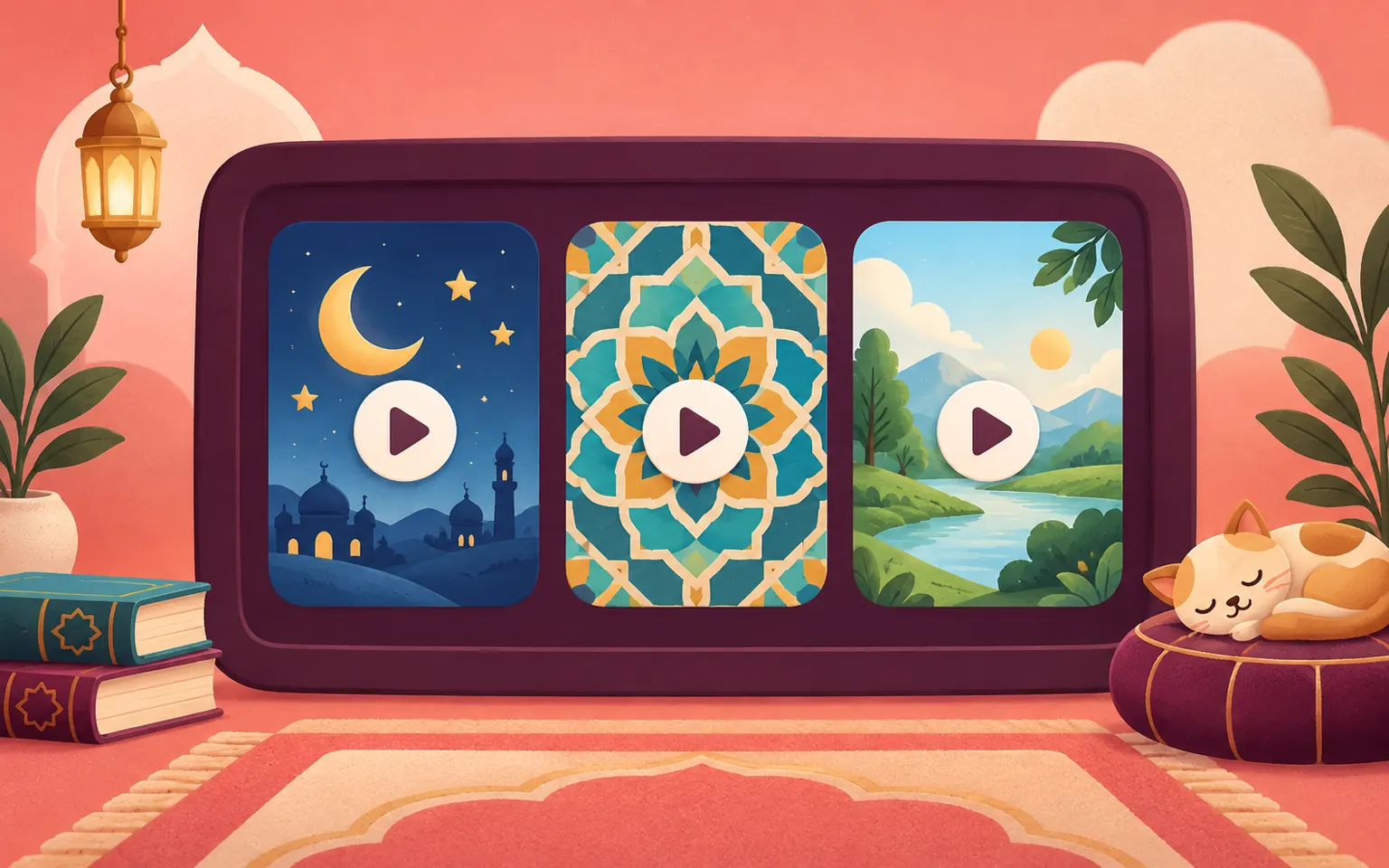
MuslimTube · dedicated library
The videos come together. Their space stays clear.
Children browse the available content, choose a video and watch it without leaving the Muslim Guard environment. Every video is reviewed by the Muslim Guard team: no music, shirk, obscenity or inappropriate content.
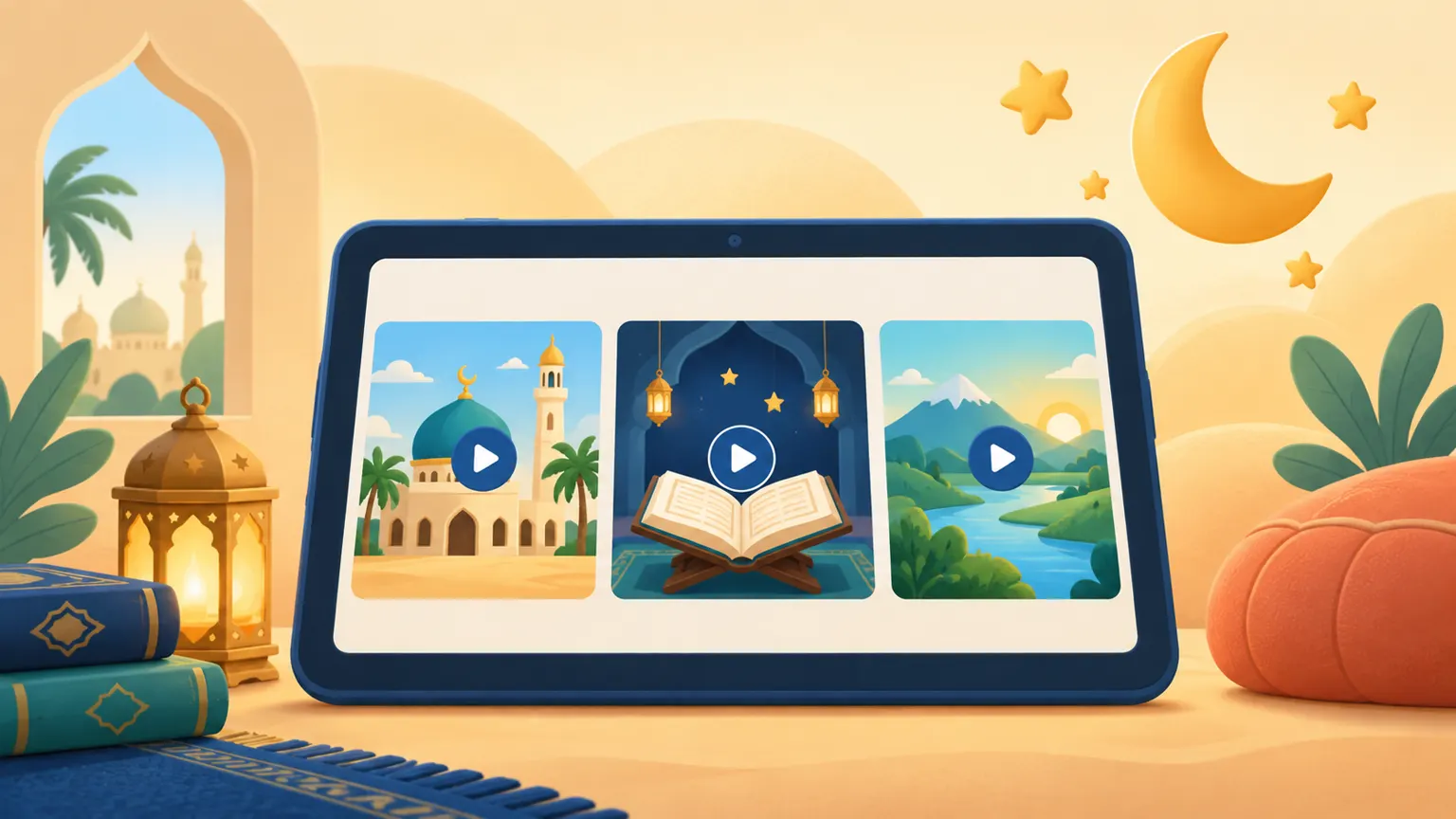
Organised categories help children find a specific type of content.
Parents can add their own videos to the selection.
Playback remains inside Kids Space.
Beyond the main activities
They can also pause, explore and play.
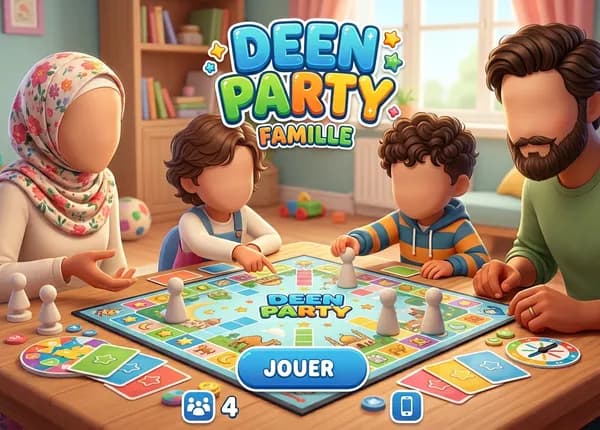
The home screen connects Islamic activities, family games and everyday tools. One clear starting point instead of twelve apps to learn.
Inside the app
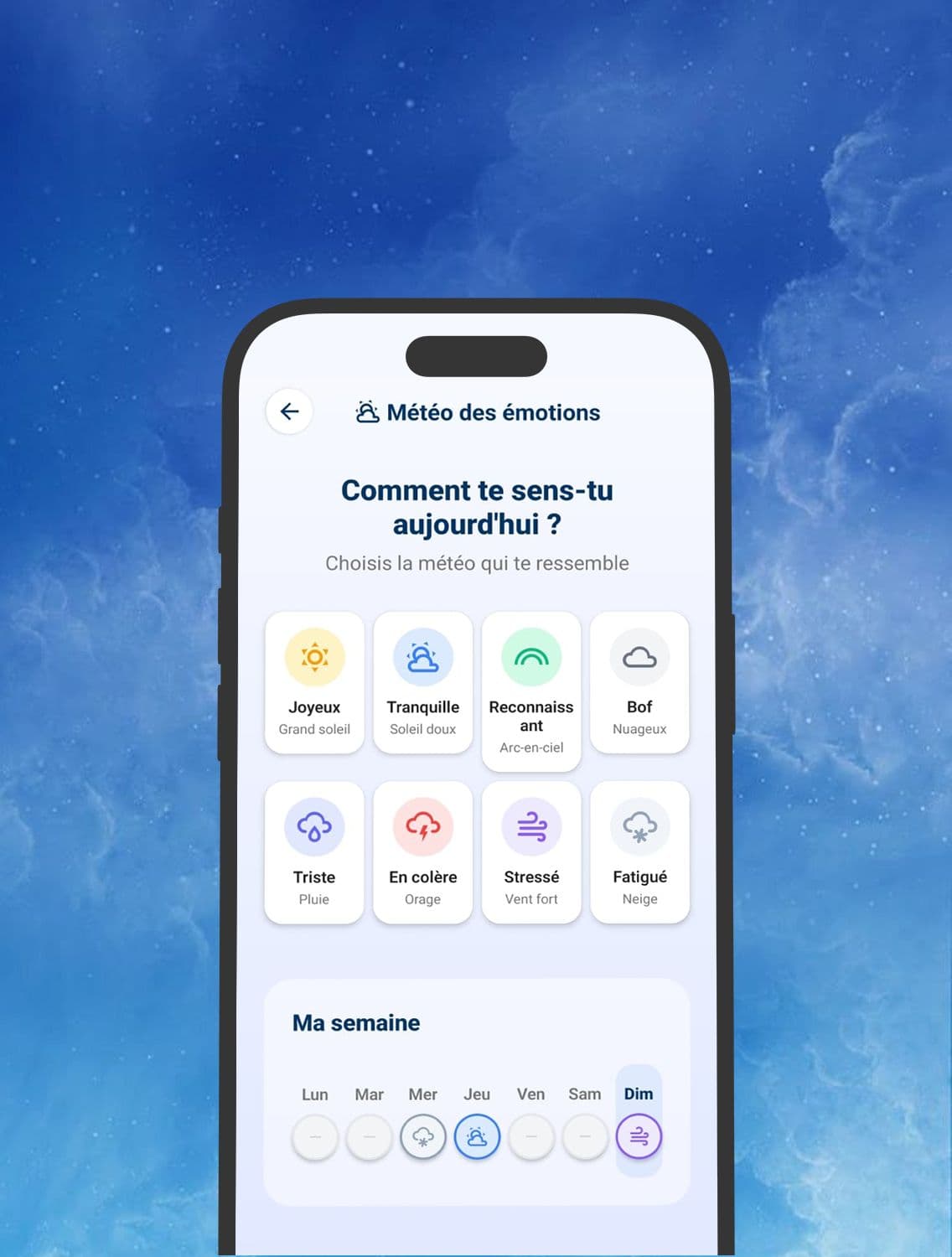
Mood check-in
Name a feeling, follow the week and find a breathing exercise or calming sound.
Before you start
Useful answers, straight to the point.
Age, internet access and available activities: the essentials before installing the app.
01What age is Kids Space suitable for?+
Kids Space is designed for young children and pre-teens, with a simple, intuitive interface tailored to their age.
02Is the content safe?+
Yes. All content available in Kids Space is carefully selected and filtered to avoid inappropriate material, advertisements, and unnecessary distractions.
03What can my child do in the app?+
Your child can enjoy quizzes, games, stories, educational videos, and a variety of activities designed to make learning fun.
04Does the app require an internet connection?+
Some features require an internet connection, particularly video content and certain updates.
Qur'an · Arabic · stories · games · videos
Their whole world, in one place.
A home screen of their own, several ways to learn and a protected route back to Parent Mode.